

Select Your Device Model to Start Selling
Get the best price with free pickup & instant payment.
Select By Series


Videos





How to Sell Your Old Phone on Ovantica?
We try to make things easy and simple for you, so you don't face any issue while selling an old Phone. Just follow these three steps and sell your old Phone effortlessly.
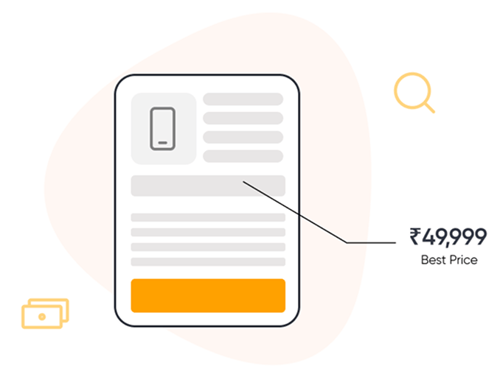
Check Price
Select your device & get instant price
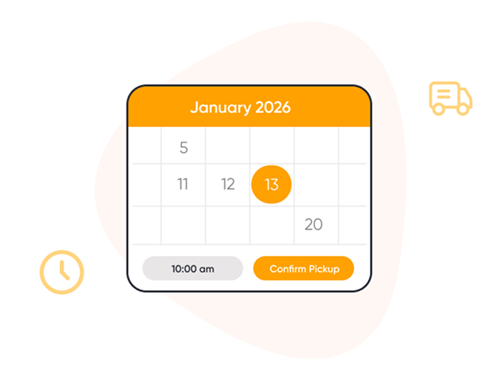
Free Pickup
Schedule doorstep pickup at your convenience
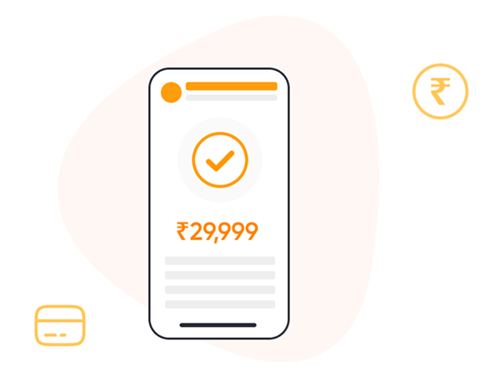
Instant Payment
Get paid instantly after quick verification
Top Selling Brands


Top Selling Models
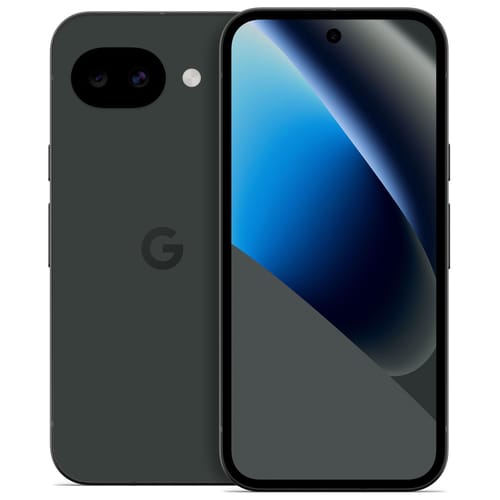
Pixel 10A
Get upto ₹36,000
Sell Now.webp)
Sony Xperia 10 vi
Get upto ₹14,000
Sell Now.jpg)
Sony Xperia 10 v
Get upto ₹13,500
Sell Now
Sony Xperia 10 iv
Get upto ₹11,000
Sell Now
Sony Xperia 10 iii
Get upto ₹8,500
Sell Now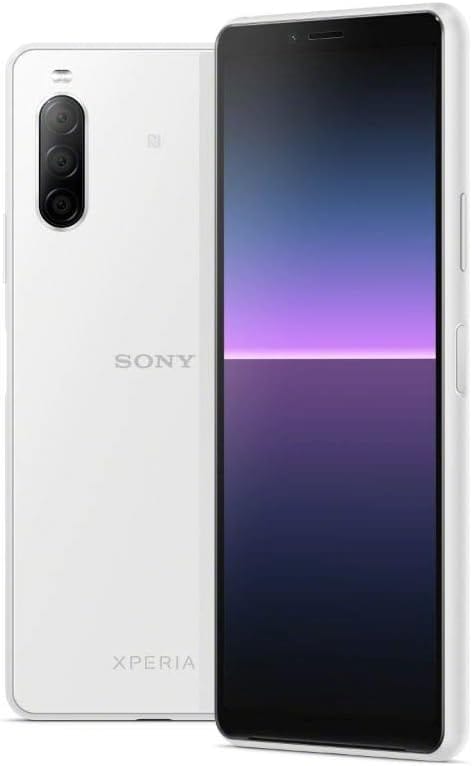
Sony Xperia 10 ii
Get upto ₹8,600
Sell Now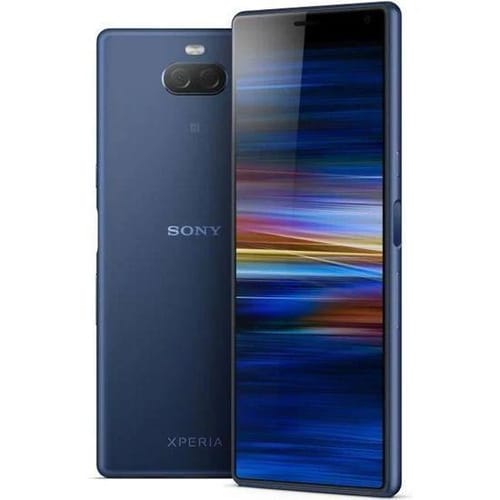
Sony Xperia 10
Get upto ₹6,800
Sell Now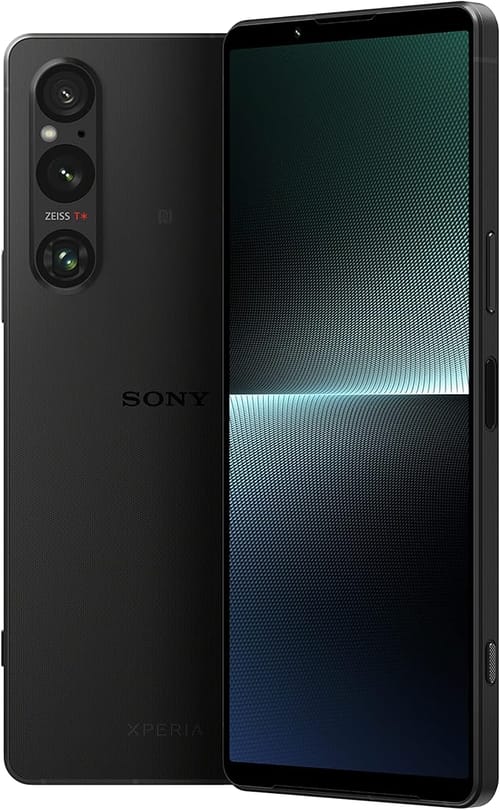
Sony Xperia 1 v
Get upto ₹23,000
Sell Now
Sony Xperia 5
Get upto ₹7,500
Sell Now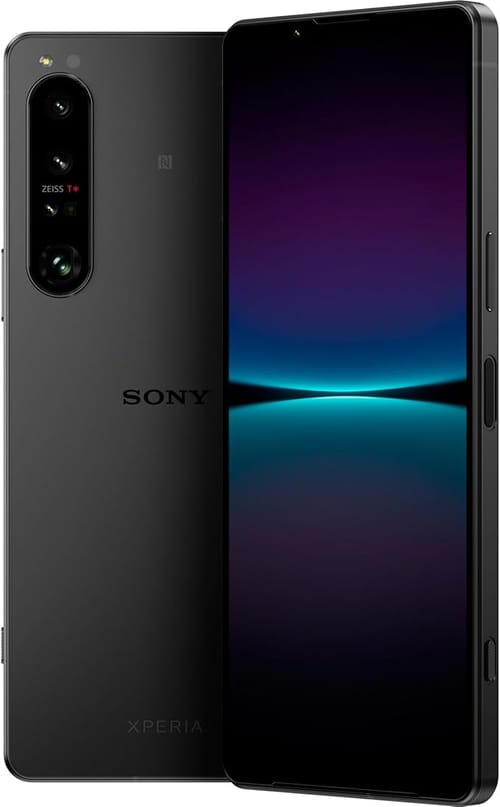
Sony Xperia 1 iv
Get upto ₹18,800
Sell Now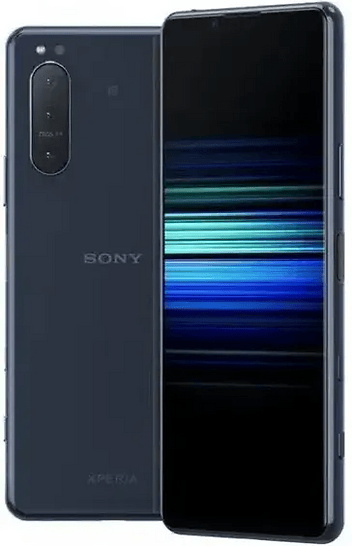
Sony Xperia 5 ii
Get upto ₹9,800
Sell Now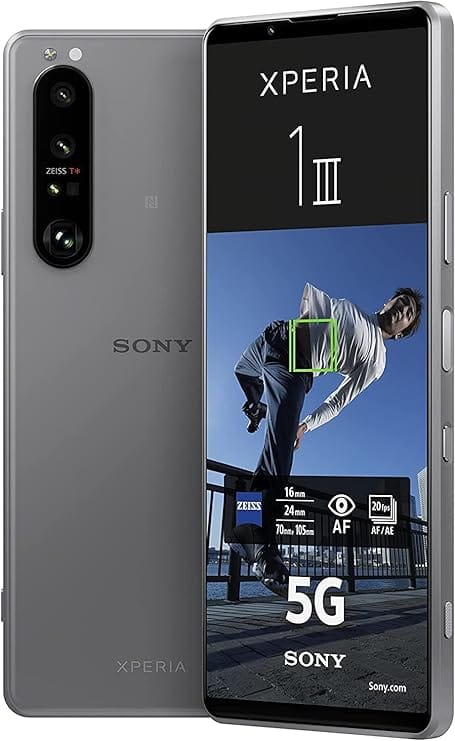
Sony Xperia 1 iii
Get upto ₹18,000
Sell NowDownload the App
Unlock a Premium Experience with Exclusive App Benefits


Download the App Now
Unlock a Premium Experience with Exclusive App Benefits

Sell Old & Used Google Pixel Phone Online At Best Price
Google Pixel smartphones have built a strong reputation for their premium camera quality, smooth Android experience, powerful AI features, and long-term software support. From the latest Pixel devices to older models, these smartphones continue to remain in high demand in the resale market.
If you are planning to upgrade to a newer device or want to declutter your old smartphone, now is the perfect time to sell your old Google Pixel phone online.
With Ovantica, you can easily sell old phones at the best market price without any hassle. The platform offers a smooth selling process, free doorstep pickup, secure data handling, and quick payment options. Whether you own a Pixel 6, Pixel 7, Pixel 8, or any older Google Pixel device, Ovantica helps you get maximum value for your smartphone.
Selling your used phone online is not only financially beneficial but also environmentally responsible. Instead of letting your device sit unused in a drawer, you can exchange your Google Pixel phone for instant cash while contributing to sustainable electronic recycling practices.
Why Sell Your Old Google Pixel Phone?
Even though many users continue using older smartphones, selling your used Google Pixel phone can provide multiple benefits.
1. Get Instant Cash
Many smartphones still retain good resale value even after years of usage. Selling your Google Pixel online helps you earn instant cash that can be used toward purchasing a new smartphone or other expenses.
2. Upgrade to the Latest Smartphone
Technology evolves rapidly, and newer smartphones come with better cameras, improved processors, and advanced AI features. Selling your old Google Pixel helps reduce the cost of upgrading to a newer model.
3. Prevent Further Depreciation
Smartphones lose value over time. The earlier you sell your Google Pixel device, the better resale value you can receive.
4. Reduce E-Waste
Electronic waste is increasing globally. Selling or recycling your old Google Pixel responsibly helps reduce environmental impact and promotes sustainable smartphone usage.
Why Choose Ovantica to Sell Google Pixel Phones?
If you want to sell your old smartphone online, reliability and convenience are essential. Ovantica offers a safe, transparent, and hassle-free process for selling your used Google Pixel phone.
1. Trusted Platform
Ovantica has built a strong reputation for providing secure and genuine smartphone resale services. Users receive transparent pricing without hidden charges or confusing conditions.
2. Free Doorstep Pickup
You can sell your Google Pixel smartphone without leaving your home. Ovantica's pickup team collects your device directly from your doorstep, saving both time and effort.
3. Quick Payment Process
After device verification, payment is processed almost instantly through secure payment methods. This allows users to sell their smartphones quickly and stress-free.
4. Secure Data Handling
Ovantica follows secure processes to protect your personal data and privacy during device verification and resale handling.
5. Best Resale Value
Ovantica uses current market trends to provide competitive resale pricing for Google Pixel smartphones, regardless of model or condition.
How to Sell Old Google Pixel Phone Online?
Step 1: Select Your Google Pixel Model
Visit the official Ovantica website and choose your Google Pixel smartphone model from the available list. Whether you own a Pixel 4, Pixel 5, Pixel 6, Pixel 7, or newer model, you can easily find your device.
Step 2: Answer Device Condition Questions
Provide basic details regarding your smartphone's condition, such as:
- Physical condition
- Display status
- Battery performance
- Functional issues
- Accessories availability
Step 3: Get Instant Price Quote
Based on the information provided, Ovantica generates an instant resale price estimate for your used Google Pixel smartphone.
Step 4: Schedule Free Doorstep Pickup
Choose a convenient date and time for pickup. An Ovantica pickup executive will arrive at your location to verify and collect the device.
Step 5: Receive Instant Payment
Once your smartphone verification is completed successfully, payment is processed immediately through your preferred payment method.
Advantages of Selling Your Used Google Pixel Online
Best Price for Your Device
Online smartphone resale platforms usually provide better resale value than local mobile stores because pricing is based on larger market demand and transparent valuation systems.
Secure Data Wipe
Secure data wipe procedures are followed before the smartphone is refurbished or resold, ensuring your personal information remains protected.
Quick and Hassle-Free Service
You can complete the entire selling process from your home without wasting time negotiating with local buyers.
No Hidden Charges
Trusted platforms like Ovantica maintain complete transparency and do not apply hidden deductions without informing customers.
Why Online Selling is Better Than Offline Selling
- Instant price quotations
- No hidden charges
- Free doorstep pickup service
- Expert device verification
- Pickup scheduling flexibility
- Fast payment processing
Conclusion
Thinking about selling your old or used Google Pixel phone online? Choosing a trusted platform is important. Ovantica provides the perfect solution with competitive resale pricing, secure data handling, free doorstep pickup, and instant payment options.
Whether you want to upgrade your smartphone or earn money from an unused device, Ovantica makes the entire selling process easy, secure, and fast.